Operating system:: Windows 11
Outlook version: Classic Outlook 2021
Email type or host: Exchange
Outlook version: Classic Outlook 2021
Email type or host: Exchange
Hello,since a recent ISP Internet outage, it looks like one of my 4 accounts has stopped working. We access 2 GMAIL accounts, one HOTMAIL account, and one normal @outlook account, all using the same Outlook 2021 LTSC on the laptop.
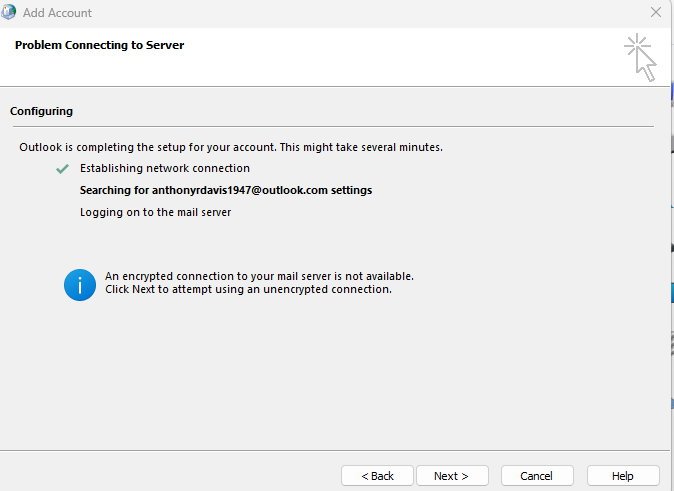
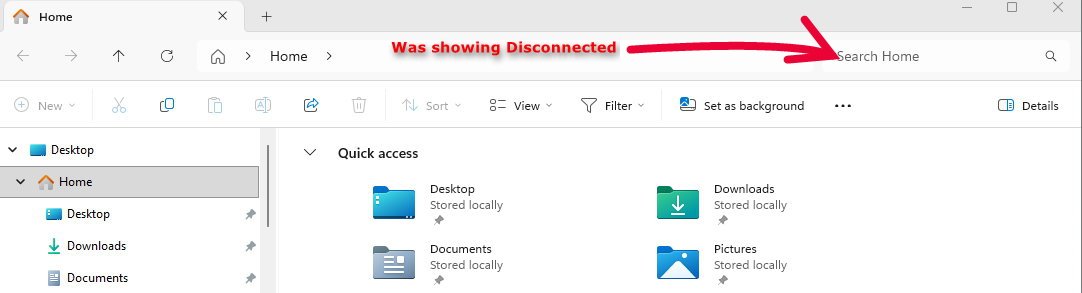
The a**********@outlook.com just shows Disconnected from Exchange, but occasionally I can see a "needs password" flash up, then disappear. I can NEVER get chance to access the window to enter the password, it seems to flash on and off every few minutes. I can see an empty screen quickly flash on and off in the foreground when Outlook is running.
The desktop with the same setup works fine. Both Windows 11 25H2.
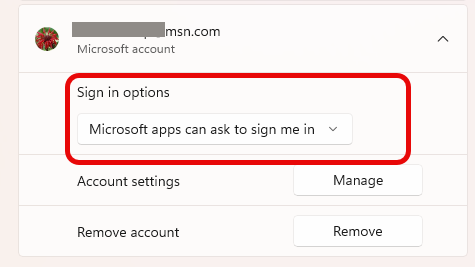
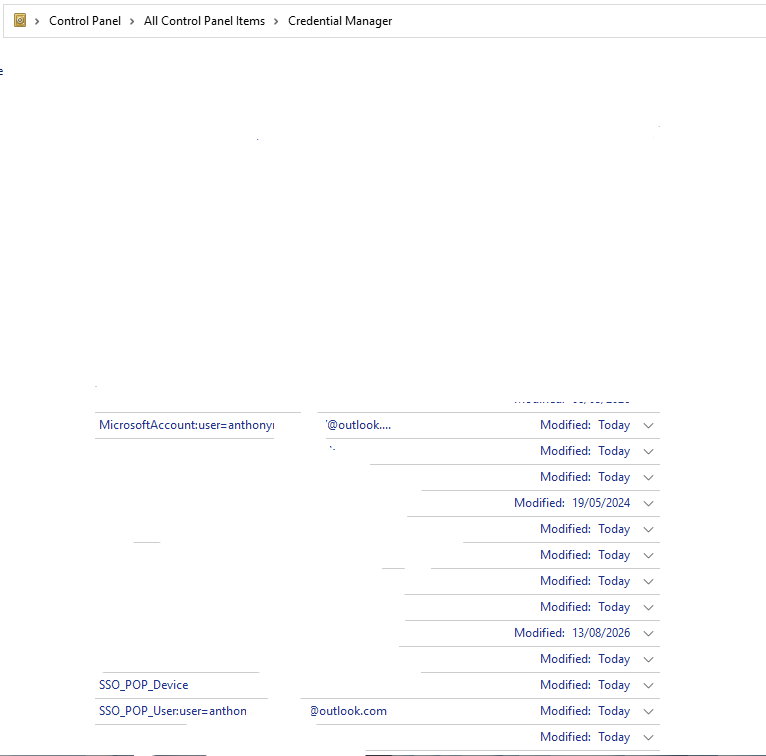
I have seen this reported, and one fix was to use Credential Manager and remove all references to OFFICE, but I think I only need to remove the 2 entries related to the failing OUTLOOK account. The other report suggested removing the OUTLOOK account, and recreating it.
I just need advice on which is best to try. Would an Office Repair be any use?
The a**********@outlook.com just shows Disconnected from Exchange, but occasionally I can see a "needs password" flash up, then disappear. I can NEVER get chance to access the window to enter the password, it seems to flash on and off every few minutes. I can see an empty screen quickly flash on and off in the foreground when Outlook is running.
The desktop with the same setup works fine. Both Windows 11 25H2.
I have seen this reported, and one fix was to use Credential Manager and remove all references to OFFICE, but I think I only need to remove the 2 entries related to the failing OUTLOOK account. The other report suggested removing the OUTLOOK account, and recreating it.
I just need advice on which is best to try. Would an Office Repair be any use?