carolinemaldonado
New Member
- OS Version(s)
- Windows
- Outlook version
- Outlook on the web
Operating system:: Windows 11
Outlook version: Outlook on the web
Email type or host: Microsoft 365
Outlook version: Outlook on the web
Email type or host: Microsoft 365
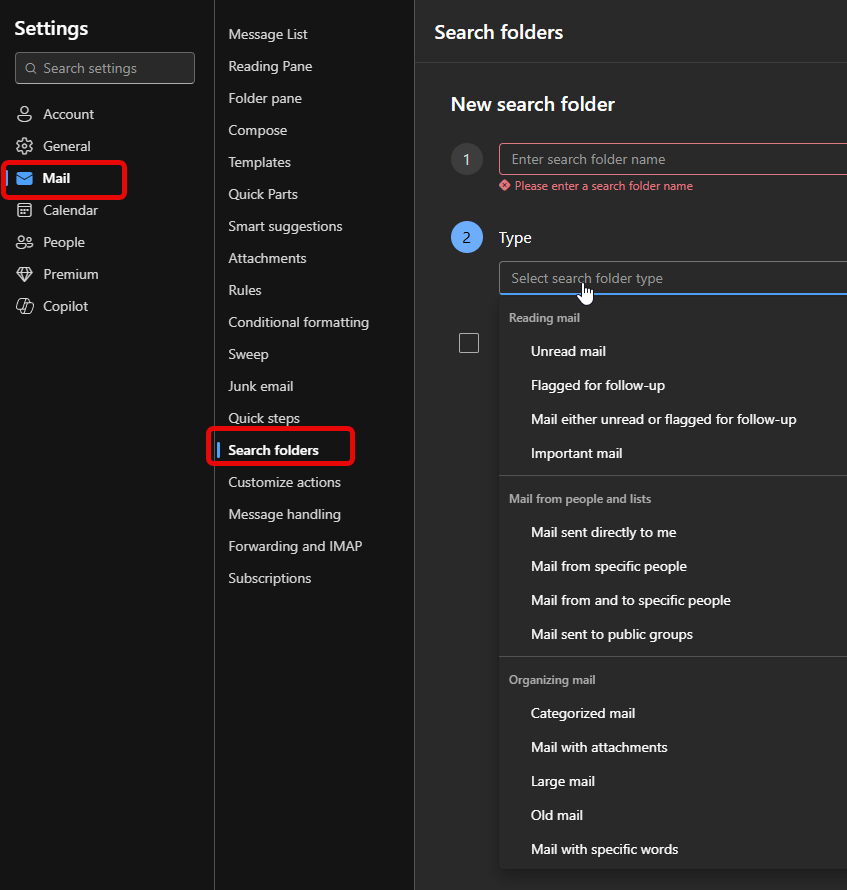
I am trying to keep several clinic quotes and travel details in Outlook without turning the inbox into a mess. Some clinics send a PDF, others put half the price in the email body, and then a follow-up changes whats included. I keep losing track of which message is the current one. I made a basic comparison first using a comparison worksheet but I still need the actual emails and attachments filed in a way I can audit later. Would you use one folder per clinic, or categories for clinic/country and a single folder for the whole trip? Rules seem useful, except the senders sometimes change and subject lines arent consistent. Also, is there a sensible way in Outlook on the web to flag the latest quote while keeping the older version, maybe without renaming every attachment by hand? Search folders would of been my first choice but I dont see them in OWA. Any setup thats held up well for this kind of document-heavy planning?