COMike
New Member
- OS Version(s)
- Windows
- Outlook version
- Outlook 365 64 bit
- Email Account
- Exchange Server
Operating system:: Win 11
Outlook version: classic Outlook
Email type or host: Exchange
Outlook version: classic Outlook
Email type or host: Exchange
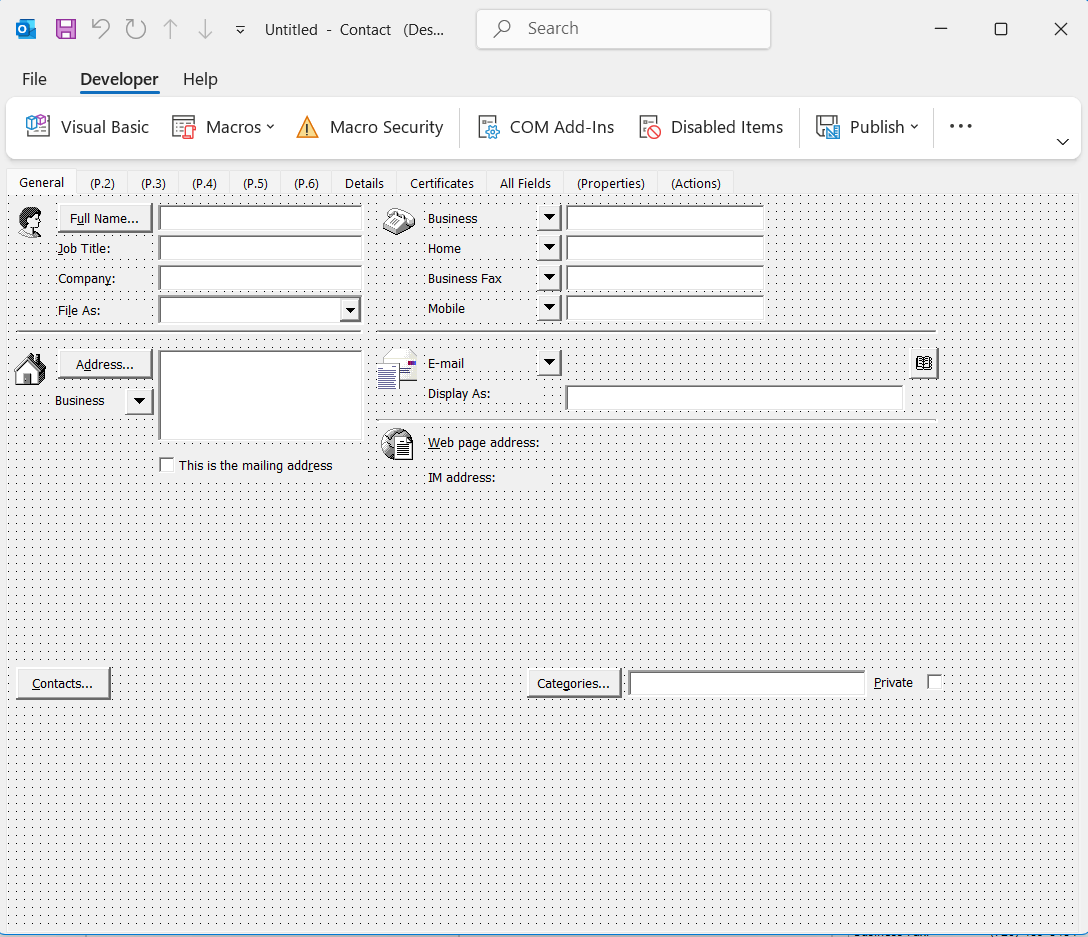
Since early this year, not sure of exact date, I have not been able to use my custom built contact form in Outlook Classic. The form has worked without any flaws since 2023, the last redesign, but has been in use in mostly the same form for 10+ years. When I try to use, I get the error below. I get this error when I try to open a contact, create a new contact, edit a contact, or even try to use the developer tools to design a new form by opening the default Outlook contact form. Called an IT tech support person and he ran through the obvious and no luck fixing.

I saw Diane's registry edit to allow VBScript in a custom form, pic below, and thought maybe that would help but when I navigated to that registry location, My system does not have a "Forms" section under Outlook.

Googling the issue, seems others are having similar, but not exactly the same, issues related to a Microsoft security update.
Thanks for any thoughts anyone has.
I saw Diane's registry edit to allow VBScript in a custom form, pic below, and thought maybe that would help but when I navigated to that registry location, My system does not have a "Forms" section under Outlook.
Googling the issue, seems others are having similar, but not exactly the same, issues related to a Microsoft security update.
Thanks for any thoughts anyone has.